
Televisions
Televisions highlights

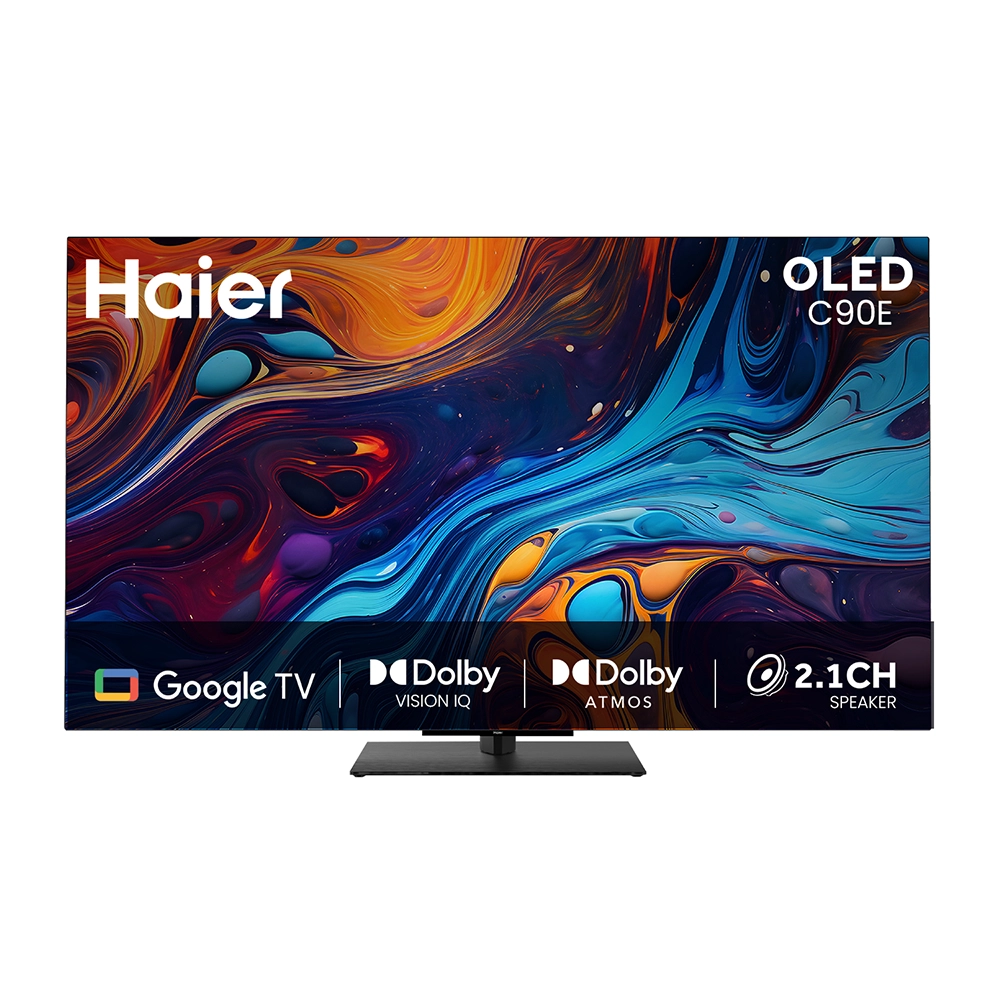
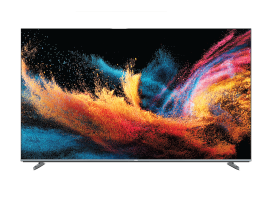
Haier C90 OLED 165cm (65) Google TV | Dolby Vision IQ
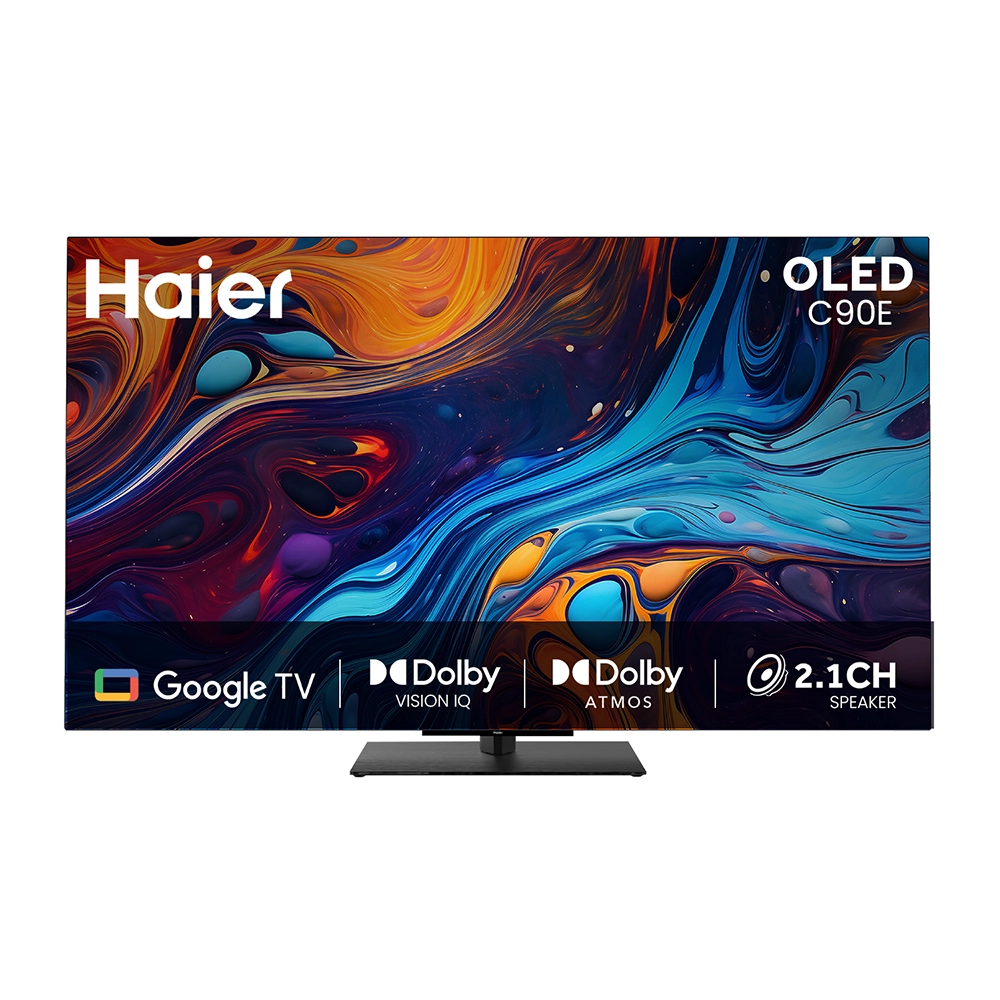
Haier C90 OLED 194cm (77) Google TV | Dolby Vision IQ
Explore More Televisions Type
 Televisions
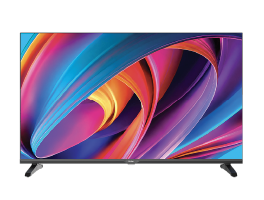
Featured Televisions product

Featured Televisions models

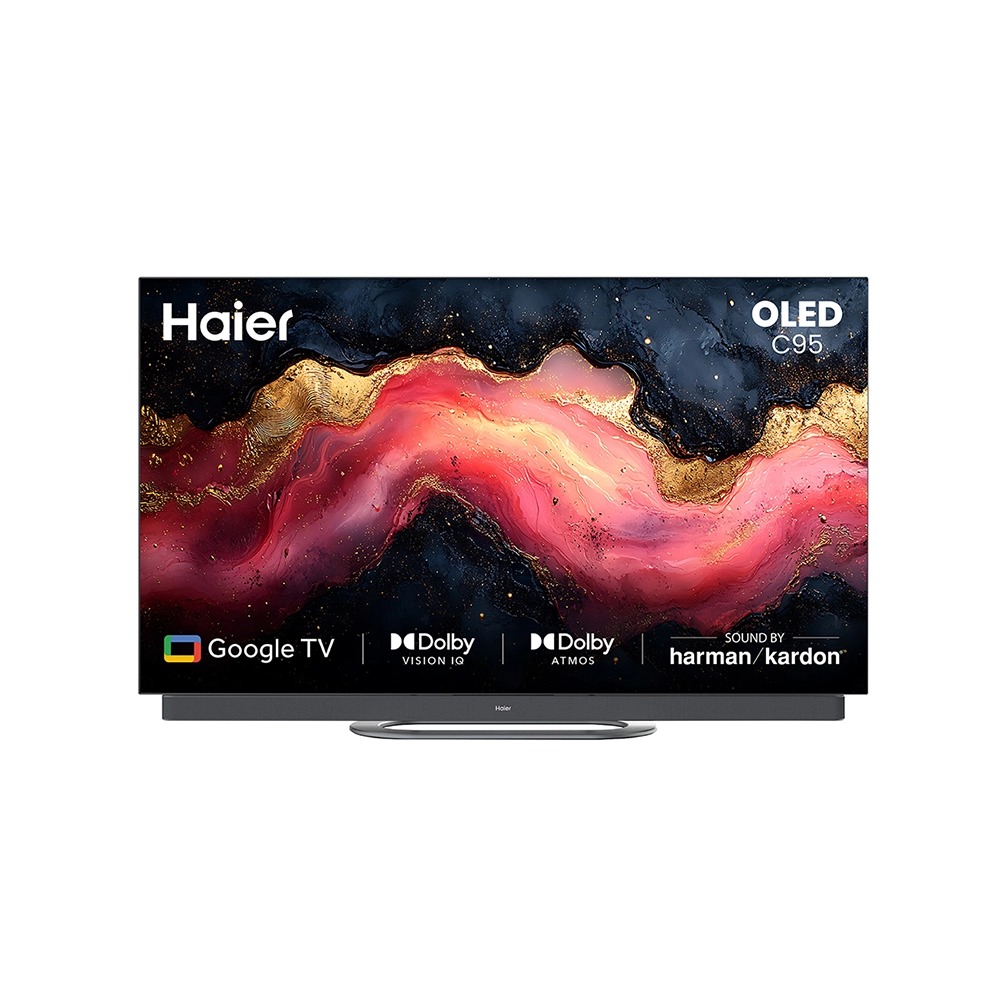
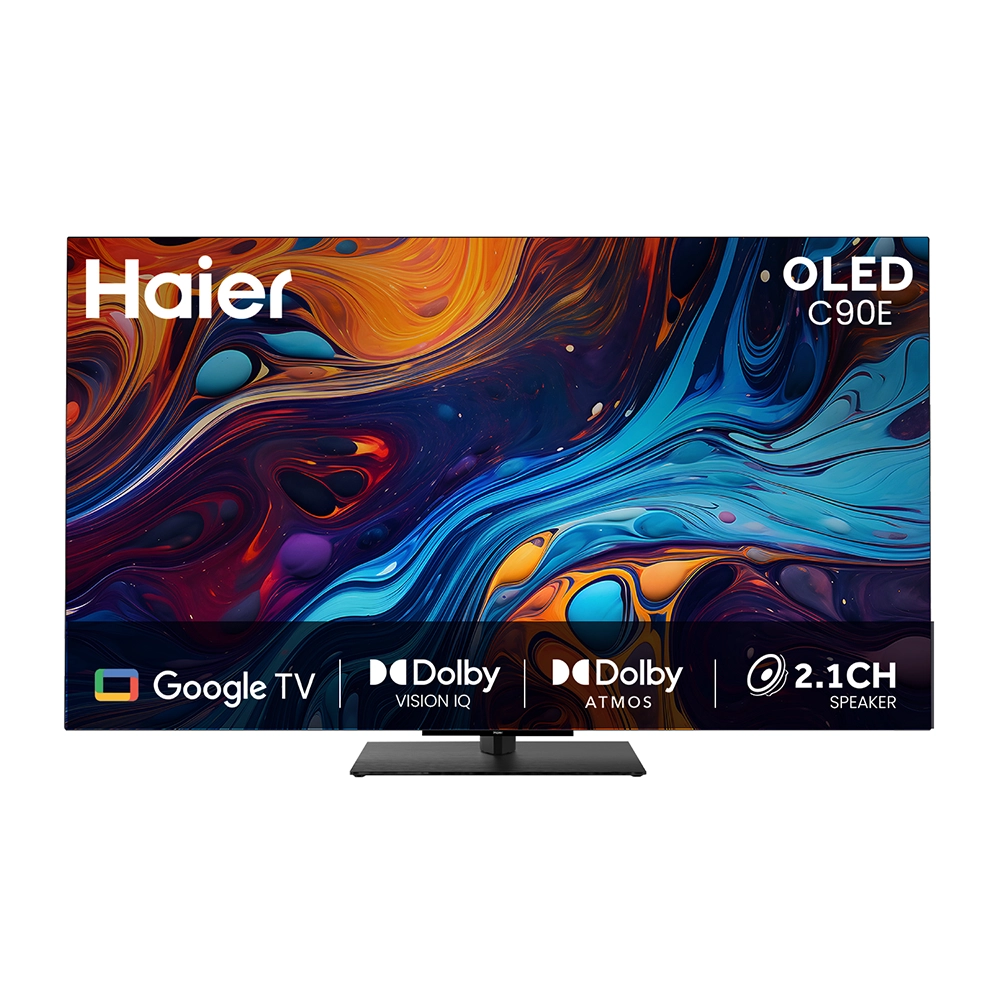
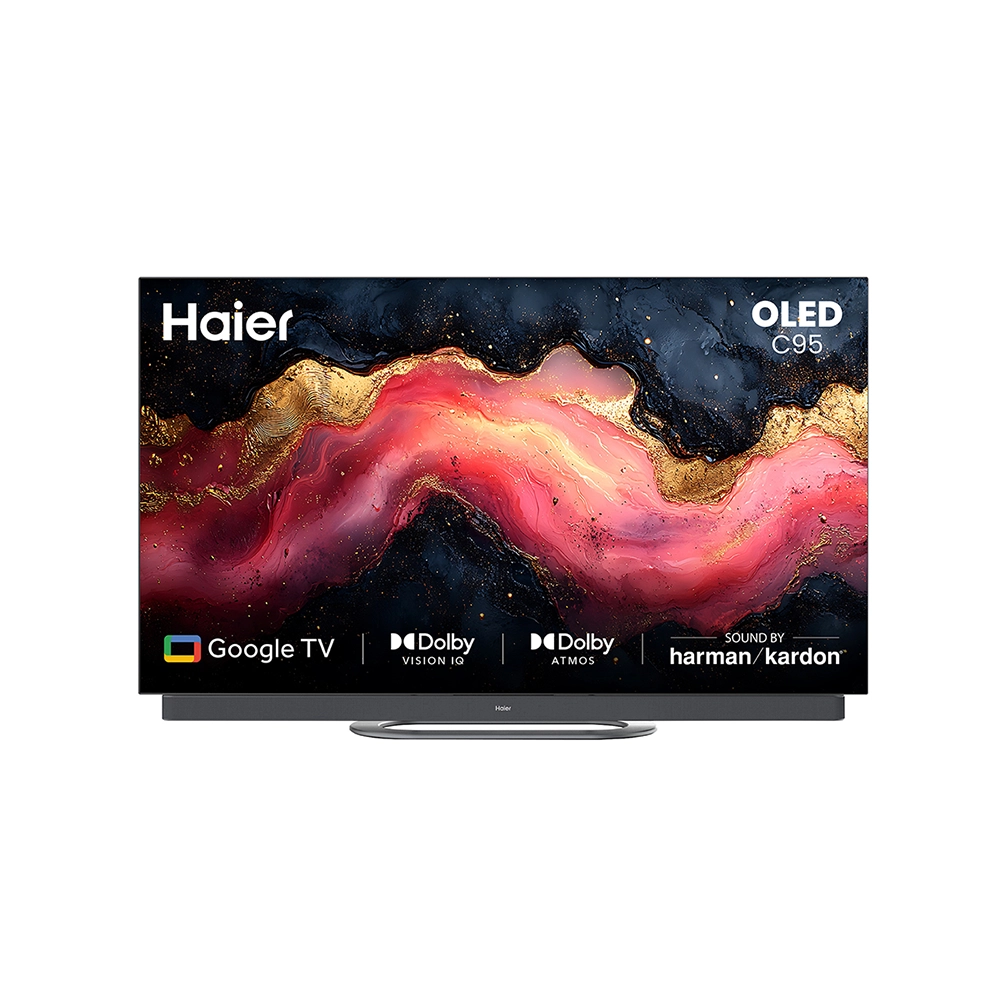
Televisions series

Televisions highlights

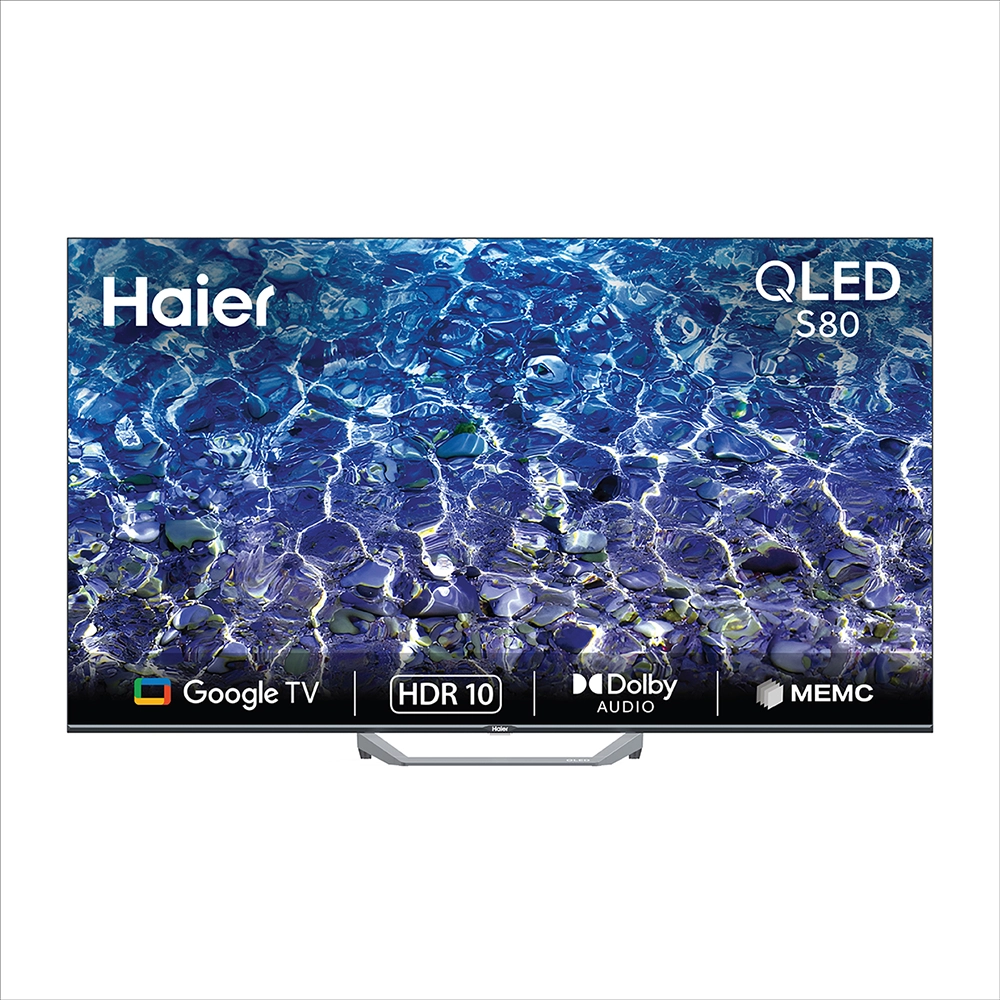
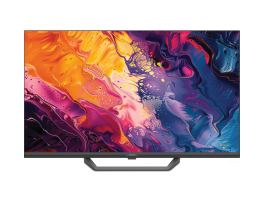
Haier S80 QLED 109cm (43) Google TV
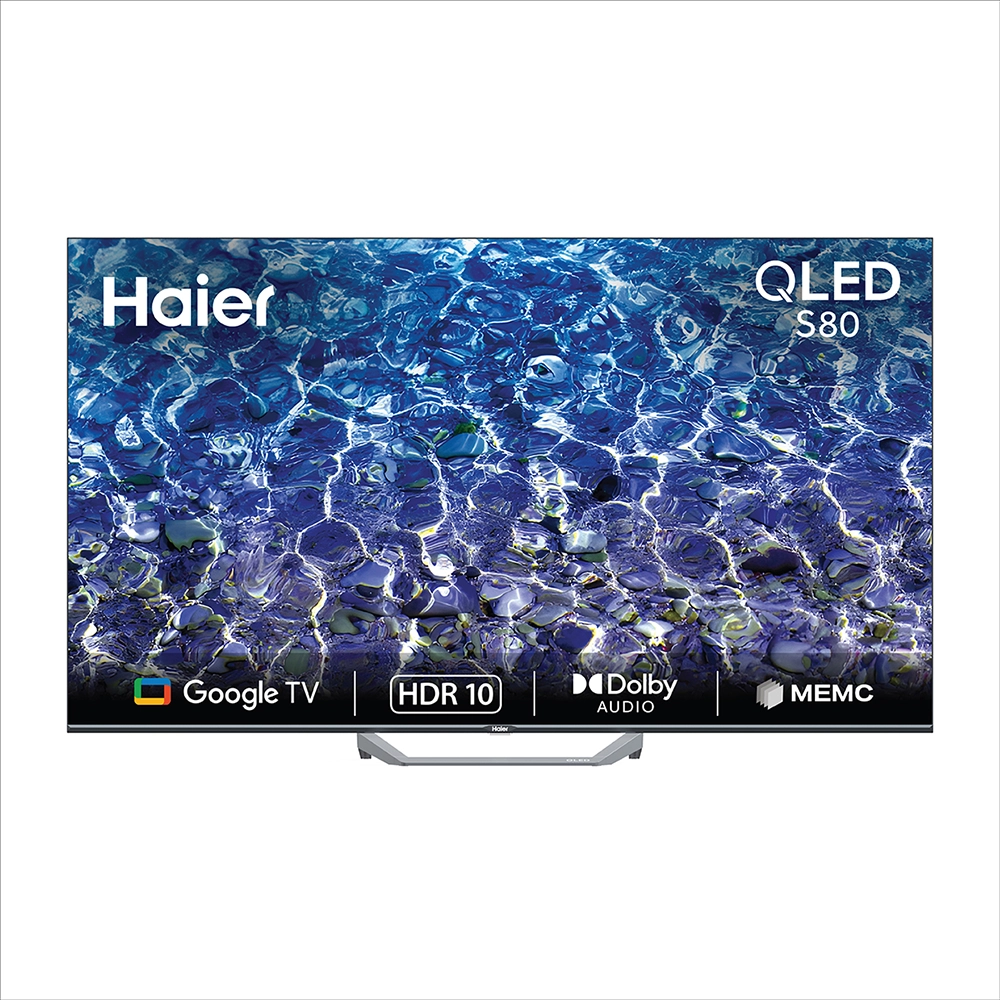
Haier S80 QLED 139cm (55) Google TV | Gaming 120 Hz
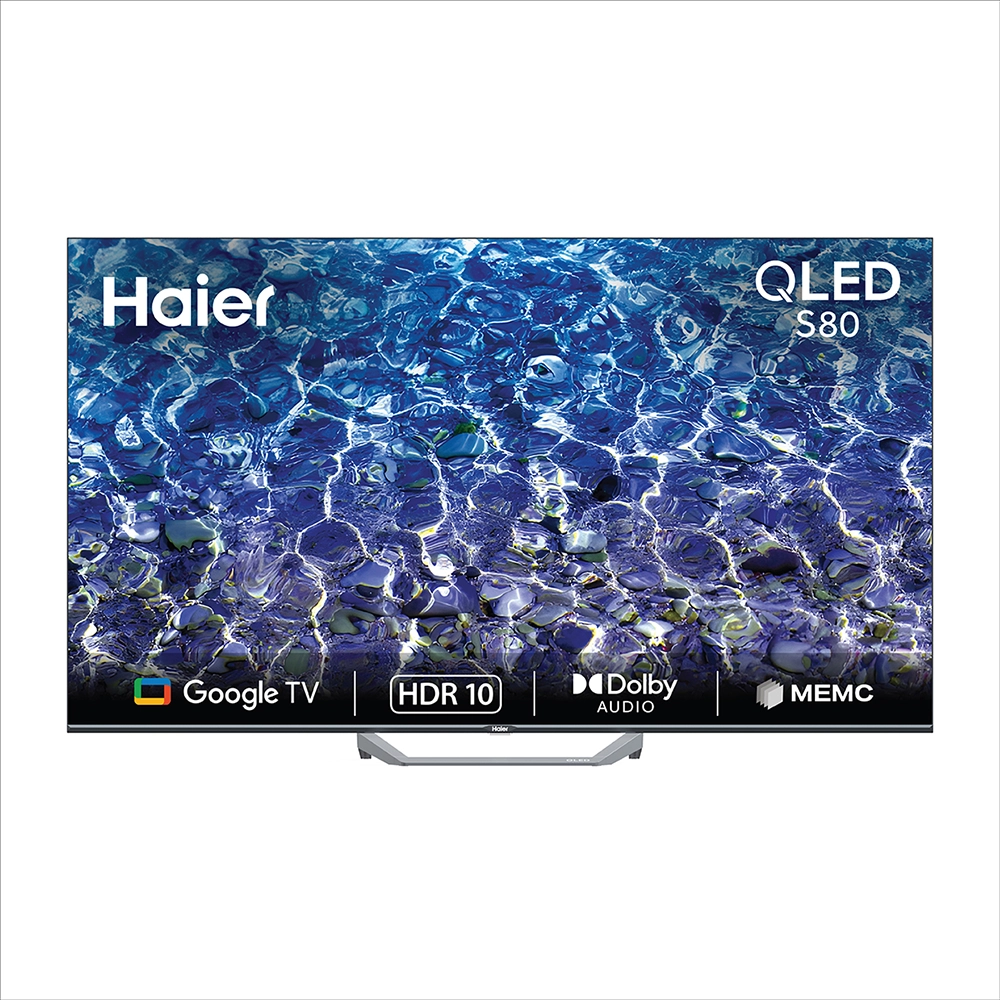
Haier S80 QLED 165cm (65) Google TV | Gaming 120 Hz
Featured Televisions product

Featured Televisions models

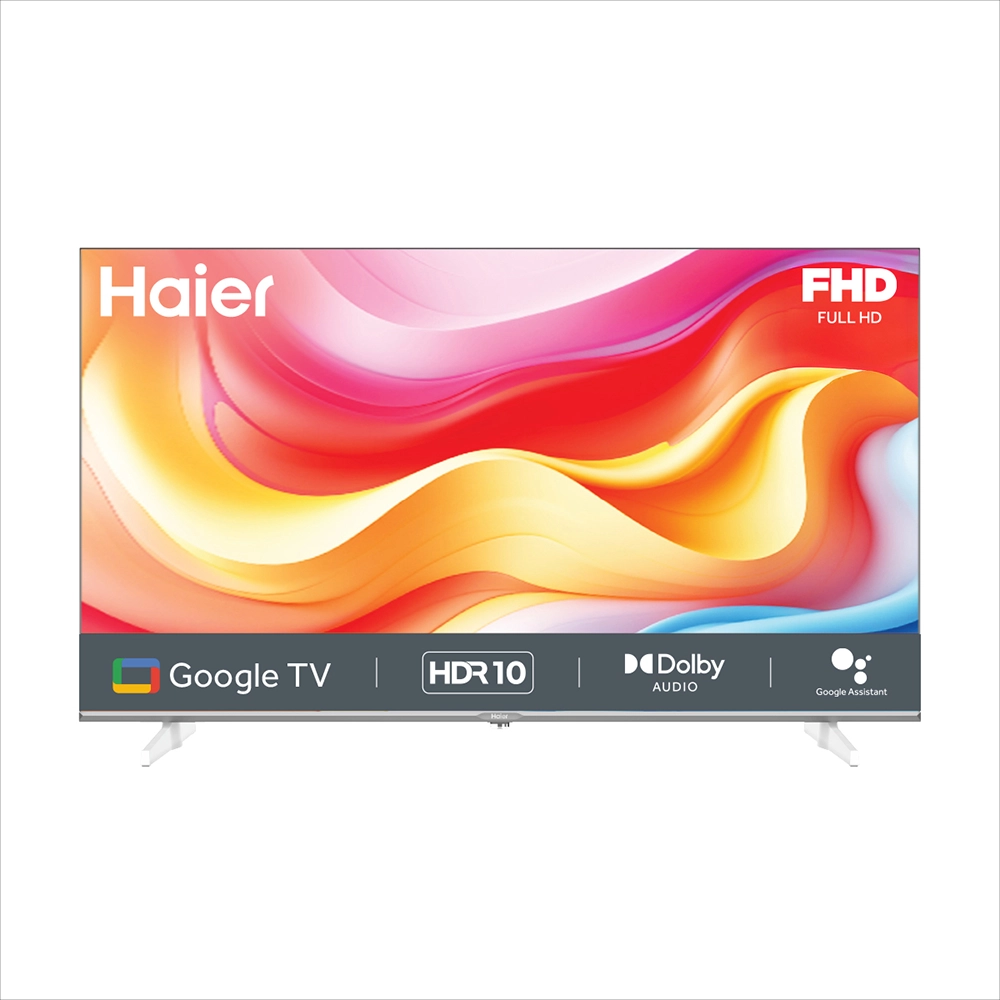
Televisions series

Choose a Televisions by your need
Choose By Need
Find the televisions
that fits your lifestyle.
Discover televisions thoughtfully crafted for every home—delivering brilliant picture quality, smart connectivity, and immersive entertainment for the whole family.


Best Selling Televisions
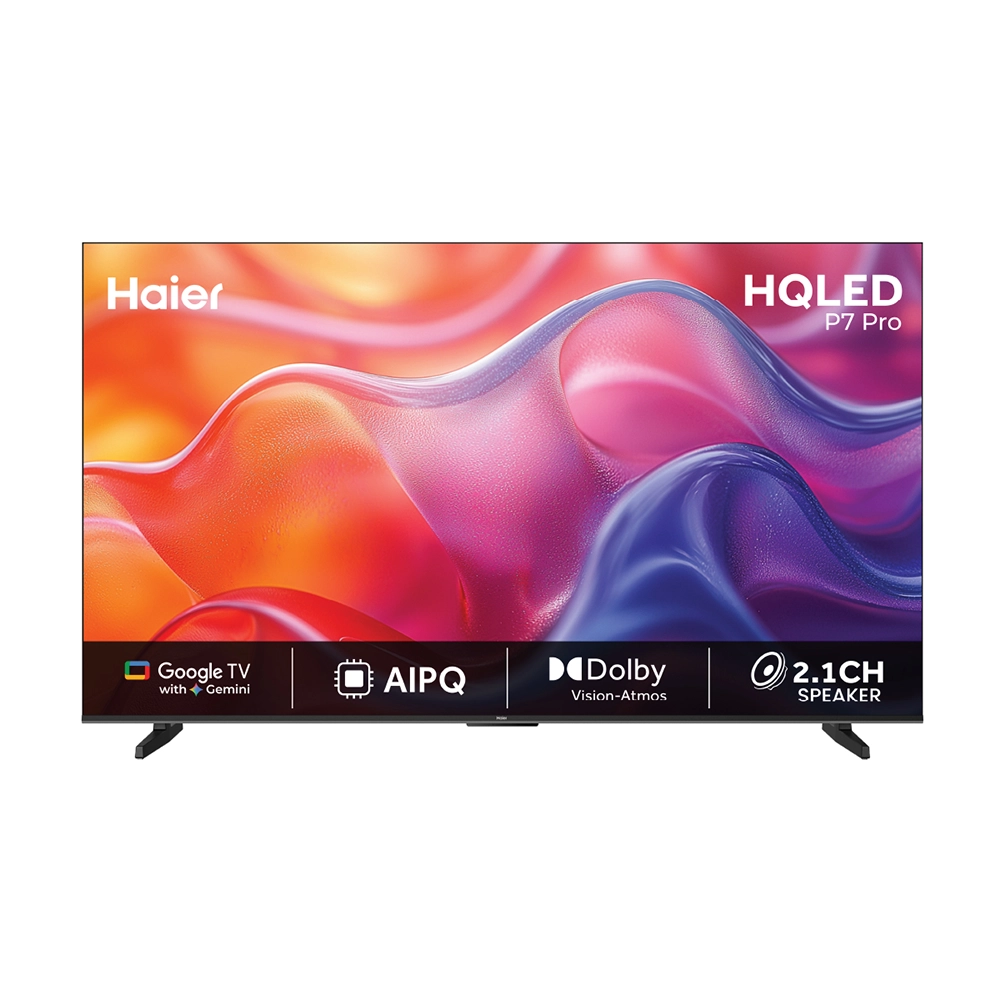
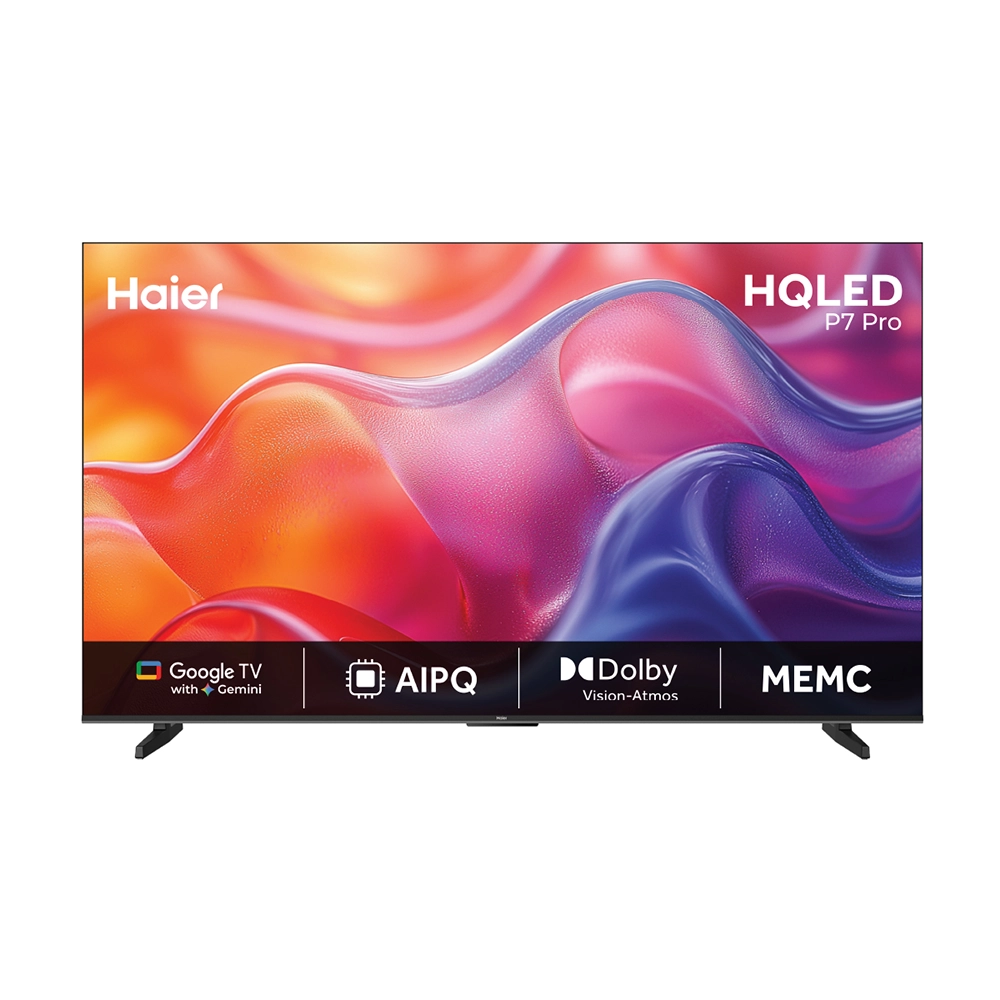
Haier New P7 Pro Series HQLED 109 cm (43) AI Smart Google TV Gemini| HDR10 | Dolby Vision.Atmos|MEMC
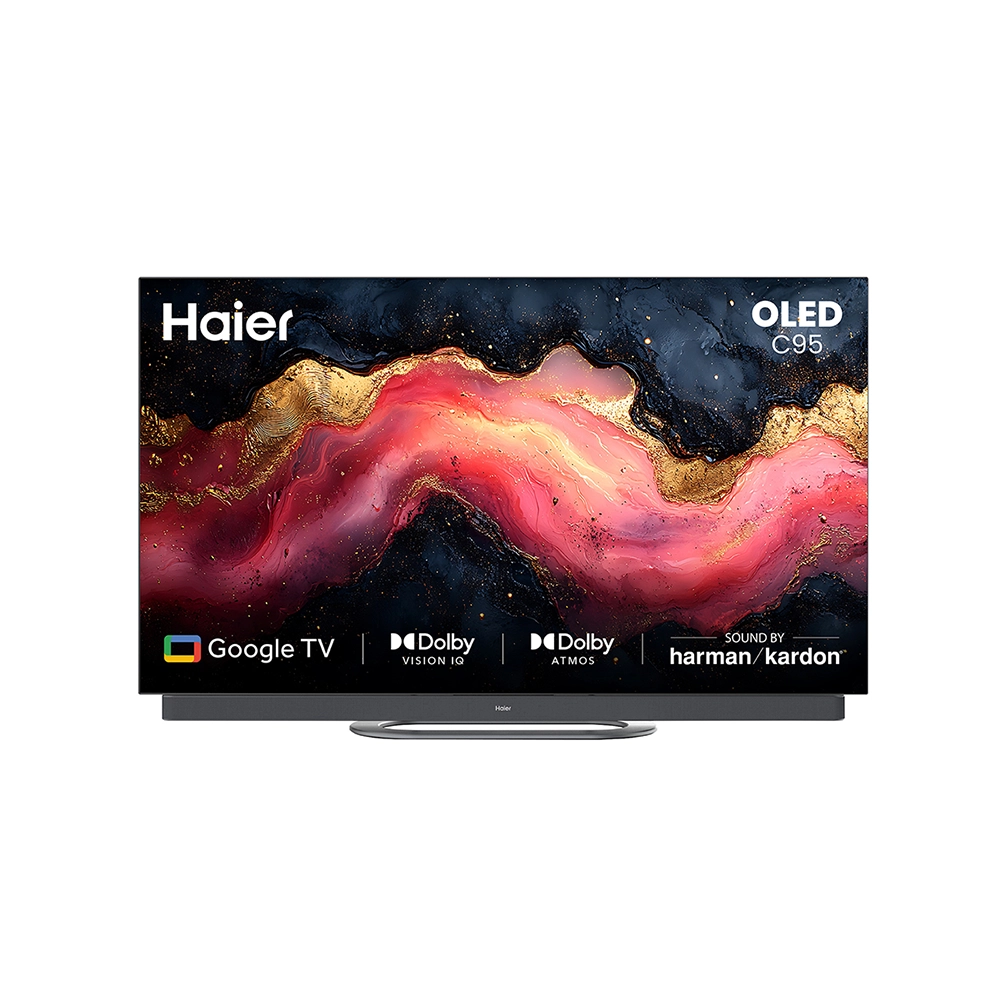
Haier C95 OLED 140cm (55) Google TV | Sound By Harman Kardon
.webp)
Haier New M70 Series MiniLED 139 cm (55) AI Smart Google TV with Gemini| HDR10+ | 2.1 Ch with Subwoofer| Gaming 120Hz
.webp)
Haier New M70 Series MiniLED 164 cm (65) AI Smart Google TV with Gemini | HDR10+ | 2.1 Ch with Subwoofer| Gaming 120Hz
.webp)
Haier New M70 Series MiniLED 189 cm (75) AI Smart Google TV with Gemini| HDR10+ | 2.1 Ch with Subwoofer| Gaming 120Hz
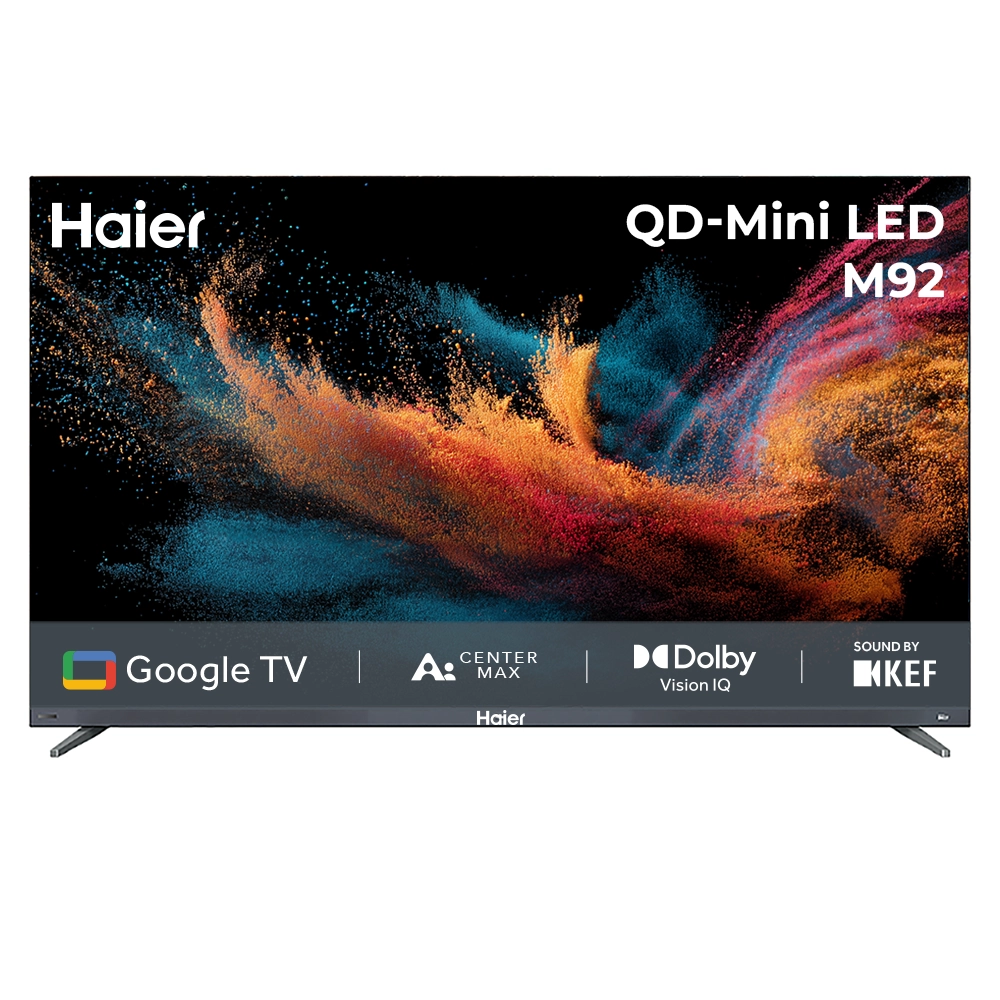
New M92 Series 164cm(65) QD-Mini LED AI Smart Google TV
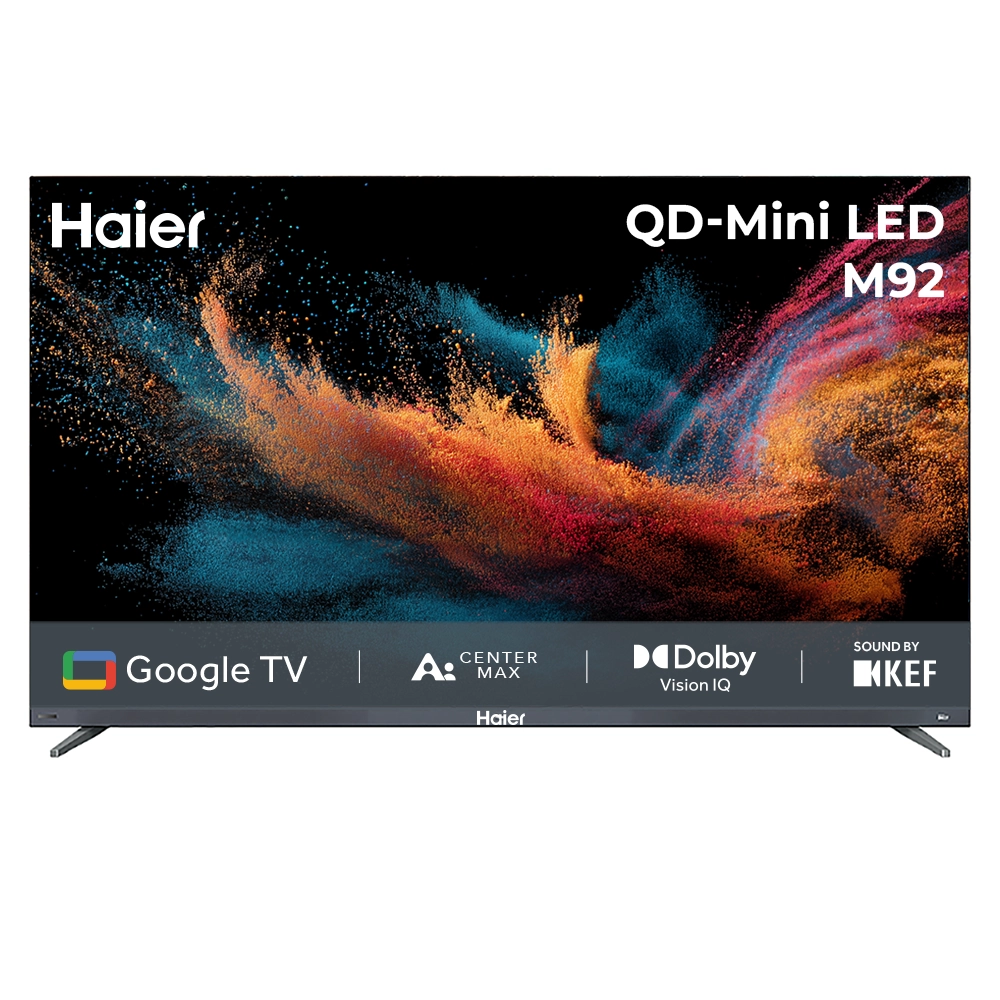
New M92 Series 189cm(75) QD-Mini LED Smart AI Google TV
Got Questions? We've got you covered.
QLED panels use quantum dot technology to produce a wider colour gamut (up to 1 billion colours) and higher peak brightness compared to standard LED. They deliver more vivid images, especially in bright rooms, while LED panels are more energy-efficient and cost-effective.
For console gaming, a 60 Hz panel is sufficient for most titles. Competitive PC gaming benefits from 120 Hz or higher. Haier 4K TVs with 120 Hz support HDMI 2.1, enabling Variable Refresh Rate (VRR) for smoother gameplay with compatible consoles.
Input lag is the delay between a controller input and the on-screen response. Haier's Game Mode reduces input lag to under 10 ms on select models, making them suitable for fast-paced gaming. Look for models with the 'Low Latency' or 'Game Mode' feature in the spec sheet.
Yes, all Haier TVs support VESA standard wall mounting. The VESA pattern (e.g. 200×200 mm) is specified in the product manual. Ensure the wall bracket is rated for the TV's weight and use the bolts supplied with the mount.
Connect your soundbar or AV receiver to the HDMI ARC port (labeled on the TV). In Settings → Sound → Audio Output, select HDMI ARC. Enable CEC (Consumer Electronics Control) so the TV remote can control the soundbar volume. Restart both devices after setup.